Create Multiple Barcodes |
  
|
Create Multiple Barcodes |
|
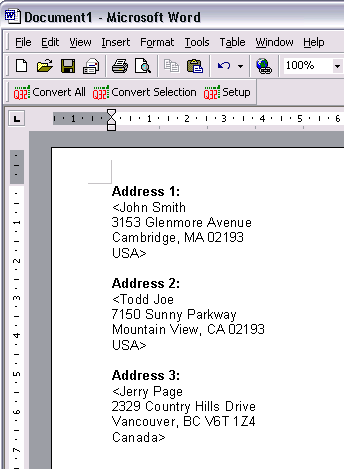
1.Enter a few paragraphs, surround those paragraphs which will be converted to QRCode barcodes with the "<" and ">" characters.
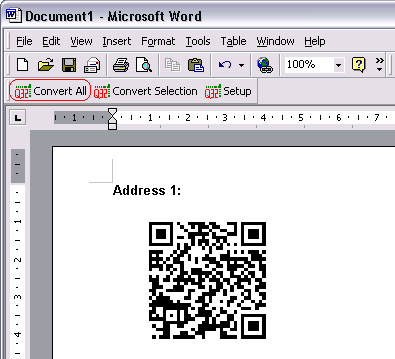
2. Click on "Convert All" to create QRCode barcodes for the paragraphs surrounded with the "<" and ">" characters.